
Week of 11.2.26
Dashboards
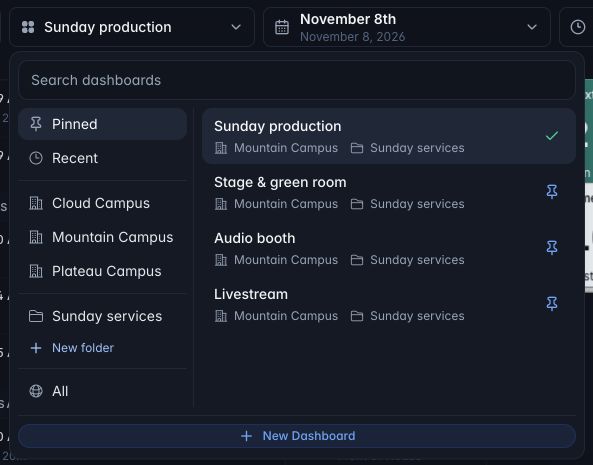
- Find your dashboard faster. Search across campuses, organize dashboards into folders, and pin your favorites in the new dashboard switcher.
-
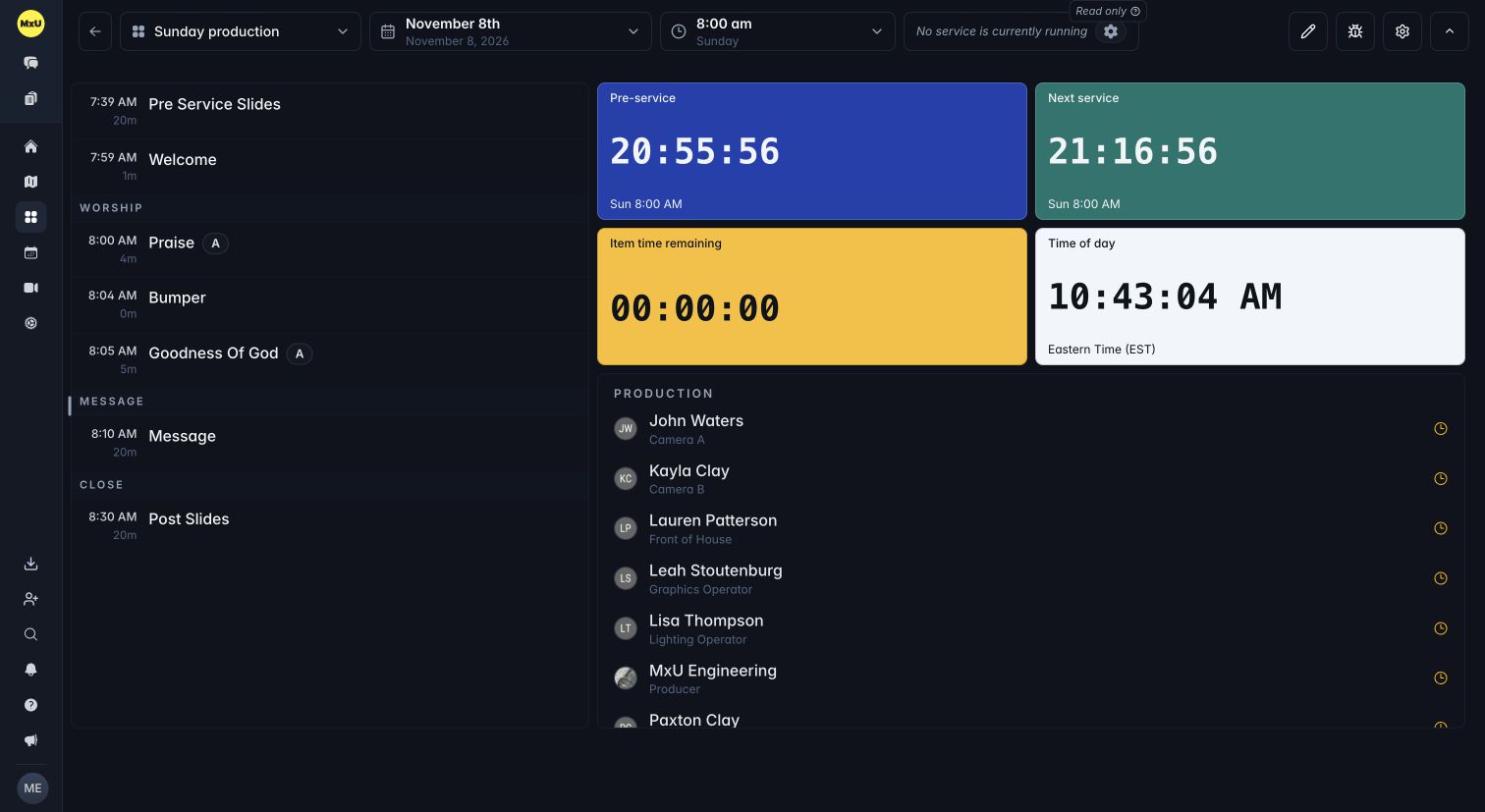
Timer colors. Give each timer its own background color. Text adjusts automatically to stay readable.
-
People responses. See who's confirmed or still unconfirmed in the People object. Turn on Display → Show declined to include declined responses.
-
Gear Status assignments. See names and photos from Mic & Gear alongside your wireless gear, with clear open slots for unassigned positions.
Integrations
-
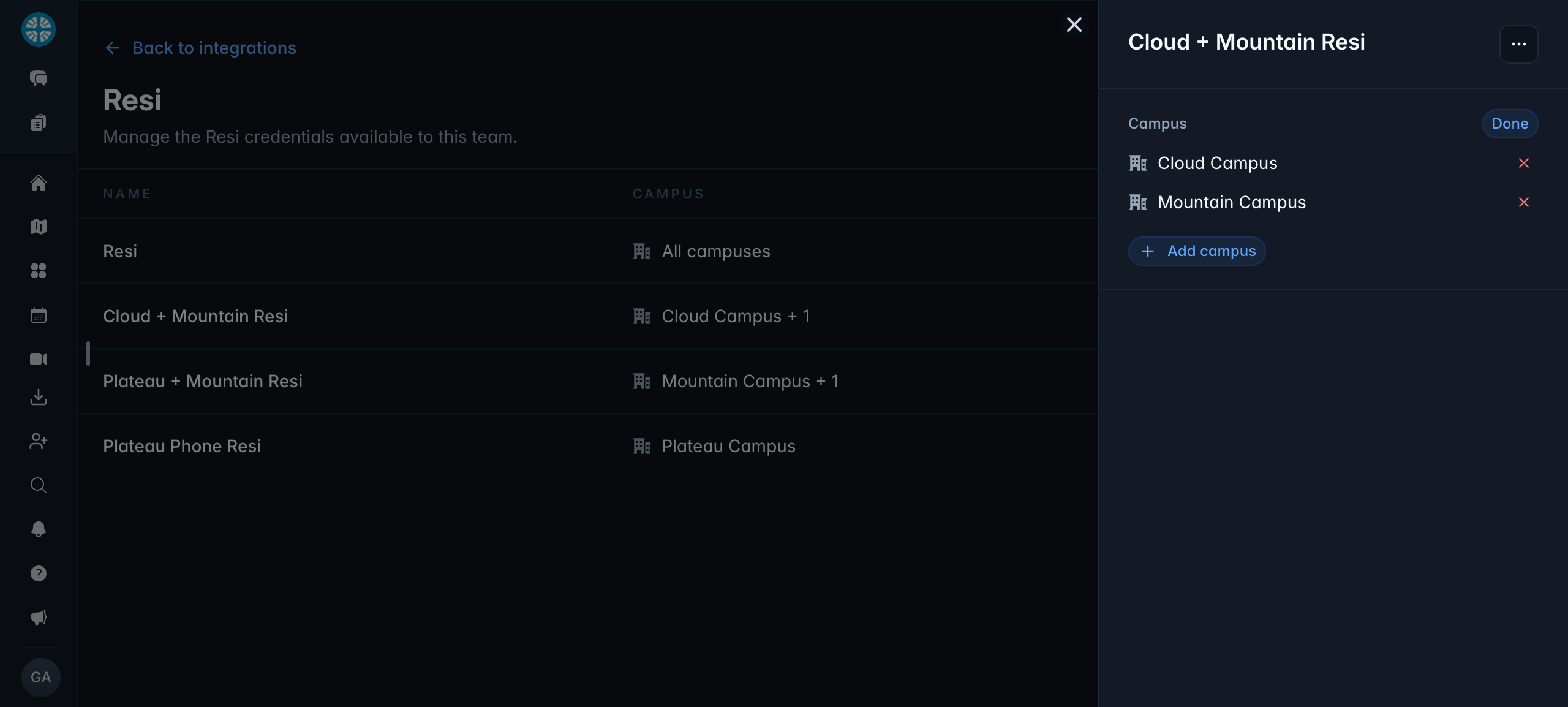
Organize by campus. Assign connections to campuses and find the right one in campus-grouped connection pickers. Campus admins can manage their campus connections.
-
Resi. Embed your Resi feed in a dashboard!
Messages
-
Reorder pinned chats. Drag your pinned conversations into the order you want.
-
Unpin from the message. Open a message's ... menu to unpin its message, file or link.
-
Dashboard chat stays in sync. Fixed messages that wouldn't appear until you refreshed the dashboard.
Coming in the Next App Updates
-
Dashboards on iPad. A new Dashboards tab, with the same campus, folder and pinned dashboard picker as the web.
-
Documents on mobile. View documents and browse the document library on your phone.
-
Mobile chats and notifications. Drag to reorder pinned chats, and scroll through older notifications right from the bell.
-
Apple TV display size. Make each dashboard larger or smaller in 10% steps. Your choice stays saved for that dashboard.